How to generate a Bet9ja booking code
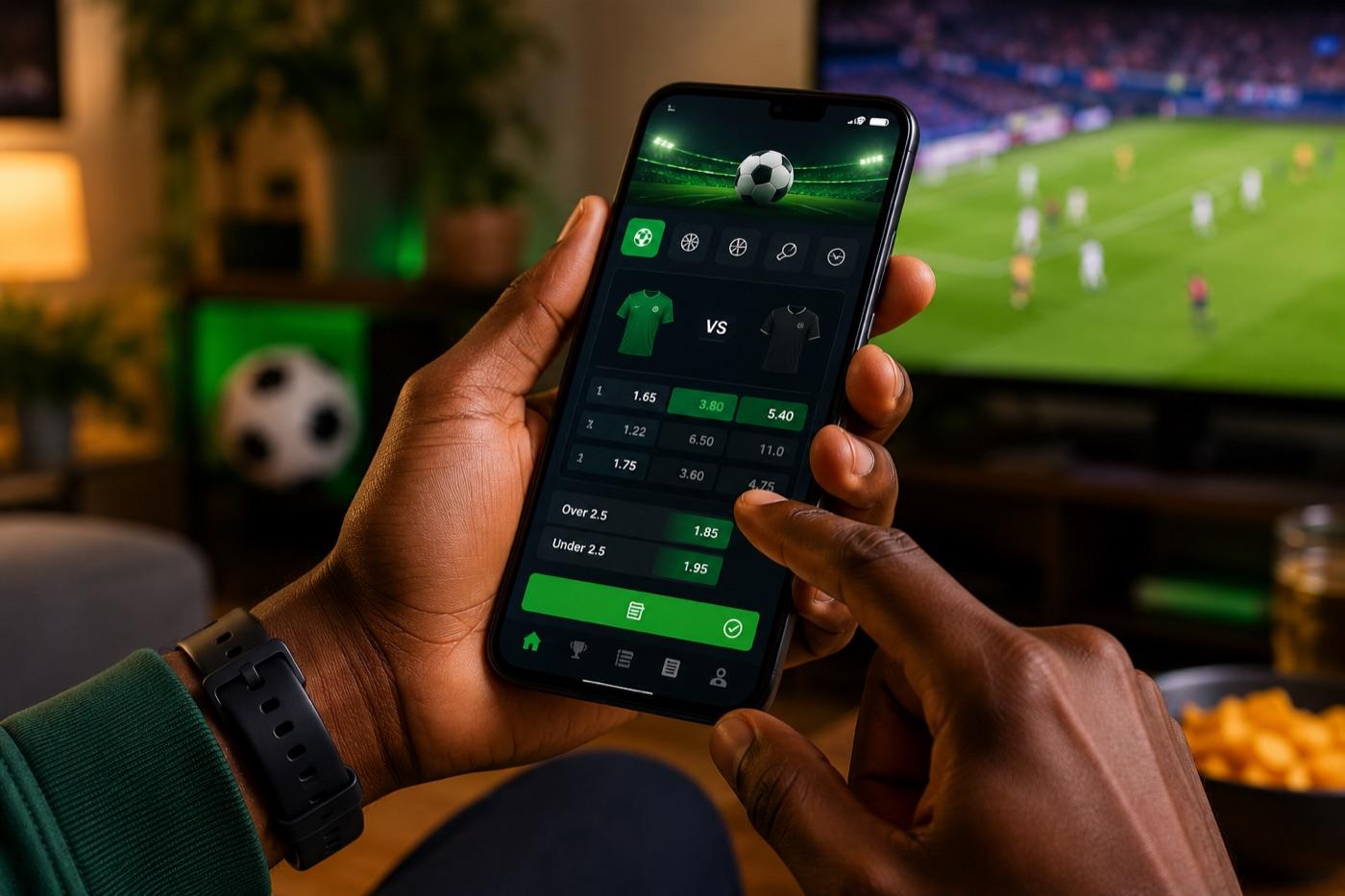
- Open Bet9ja and tap the odds for each match you want.
- Check your slip and remove any accidental selections.
- Tap Book Bet or Generate Booking Code.
- Copy the code that appears.
- Share it through WhatsApp, SMS or social media.
How to load a booking code someone sent you
- Open Bet9ja on the app or website and go to the bet slip area.
- Find the Load Booking Code field.
- Paste the code exactly — watch for O vs 0 and I vs 1.
- Check every leg, the market, and the current odds — they may have moved since the code was made.
- Enter your own stake and place the bet only if the slip still makes sense to you.
Loading a tipster's code safely
A booking code from a WhatsApp “expert” is not a guarantee. Before you stake real money, confirm you understand each leg, drop any leg whose market is suspended, and decide whether the new odds are still worth taking. A 12-leg code that looks great on a screenshot still needs all 12 results to land — see our accumulator (multibet) guide for why long multis collapse so quickly.
A code is not a guarantee
Booking codes and the Acca Boost
Bet9ja's Acca Boost can add a cash percentage on top of a winning multi-leg slip. A booking code carries the selections, but the boost applies based on the legs and minimum odds at the time you place the bet — so check the boost still qualifies after you've reviewed the slip. See the full table in our accumulator guide.
Common booking-code problems
- Invalid code: re-check O vs 0 and I vs 1, then ask the sender to resend.
- Suspended selection: remove that leg or wait for the market to reopen.
- Odds changed: decide whether the new price is still value.
- Expired code: booking codes stop working once fixtures start, finish or are pulled — ask for a fresh slip with only upcoming games.
Frequently asked questions
What is a Bet9ja booking code?
It is a short code that stores a full Bet9ja bet slip — every selection, market and the odds — so another person can load the same slip on their own account in one tap.
How do I generate a Bet9ja booking code?
Add selections to your bet slip, tap Book Bet (mobile) or Generate Booking Code (web), then copy the code shown and share it.
How do I load a Bet9ja booking code?
Open the Bet9ja bet slip area, find the Load Booking Code field, paste the code exactly, check every leg and the current odds, then enter your own stake.
What happens if the odds change?
The loaded slip shows the current odds, not the odds from when the code was made. Review the new price before staking and decide if it is still value.
Do booking codes expire?
Yes. They stop working once the fixtures in the slip start, finish or are pulled. Ask the sender for a fresh slip with only upcoming games.
Does loading a code copy the stake too?
No — a booking code only copies the selections. Whoever loads it sets their own stake, so the amount you risk is always your choice.
18+ only. Betting should stay entertainment, never a way to solve money problems. Read our responsible gambling guide.